Blueprint Apparate Modloader v1.0.1
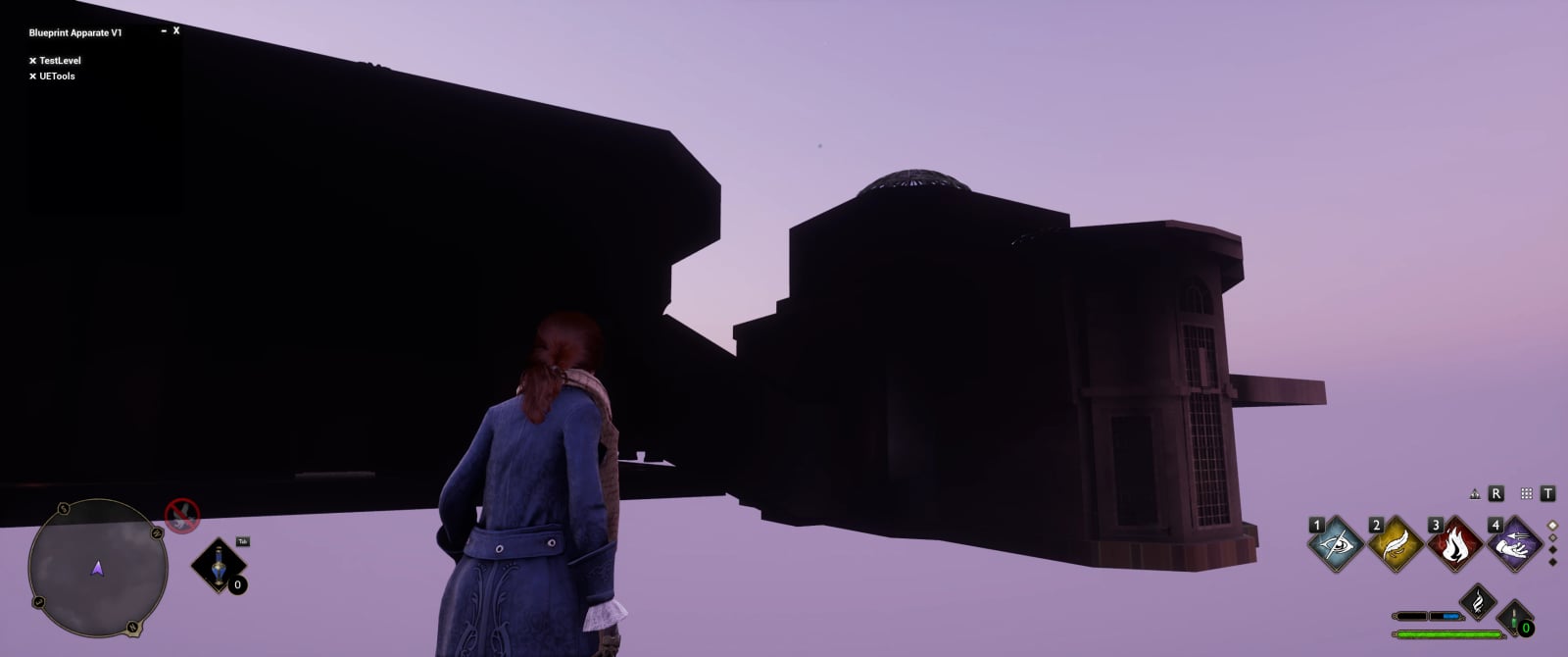
Blueprint Apparate allows loading blueprint mods without requiring a DLL hook. It loads a user-defined list of logic mods to help prevent logic mods from overwriting and conflicting with each other.
Features
- Adds a menu that can be opened with the F1 key.
- Logic mods can be added through the menu.
- The list of mods is saved and automatically loaded every time the level is loaded in.
- This comes with no built-in mods. It provides a way for mod authors and users to use multiple logic mods without them overwriting and conflicting with each other, and without the need for a DLL.
Installation
- Drop the
zBPApparate_P.pak,zBPApparate_P.ucas, andzBPApparate_P.utocfiles in your...Hogwarts LegacyPhoenixContentPaks~modsfolder. - If you do not have a
~modsfolder, create one.
How to use, users
- Press the
F8key to open the menu. - With the menu open, click in the uppermost white box, enter a mod name, and press Enter to load the mod.
- To exit the menu, click out of the text box and press
F8again.
Changing the hotkey
To change the hotkey used to open BP Apparate in game, navigate to your Engine.ini file. For Steam, this is located in UsersUsernameAppDataLocalHogwarts LegacySavedConfigWindowsNoEditorEngine.ini.
Add the following text with your desired key selected:
[/Game/CustomContent/ModloaderAssets/FloatingModloaderMainWidget.FloatingModloaderMainWidget_C]
MenuKey=F7
Number keys and numpad keys must be spelled out, for example, Zero and NumPadZero. The “F” keys are basic, for example, F7.
Known issues
Certain mods may not load. Pressing Enter will not clear the entered text. This means that the blueprint mod has a conflict or is not loading, and is not related to BP Apparate directly. Try renaming the blueprint mod files to start with ! or ~.
How to use, modders
- The mod loader loads custom map instances, and those maps must be placed in this specific UE4 project path:
/Content/CustomContent/. - For example:
/Content/CustomContent/MyMod.umap. - Inside the newly created map, select Blueprints -> Open Level Blueprint at the top, and create your logic there or spawn your own blueprint and continue from there.
- Pak your level and any related assets.
- Once in-game, open the mod menu with
F8and type in your mod name, which is the umap name.
Instructions for making BP Apparate-compatible mods can be found here: ModLoader Mod Creation
The guide was made for Stray, but the same principles apply.
Make sure you package your mod with IO Store turned on. See: https://github.com/narknon/CCFF7RUproj#to-pak-files-as-ucasutoc